AI photo to 360°
Turn a photo into a 360° panorama
Upload one photo and AI builds the rest of the sphere around it — the same place, materials, light and colour, all the way around and up to the sky.
One photo in, a full 360° out
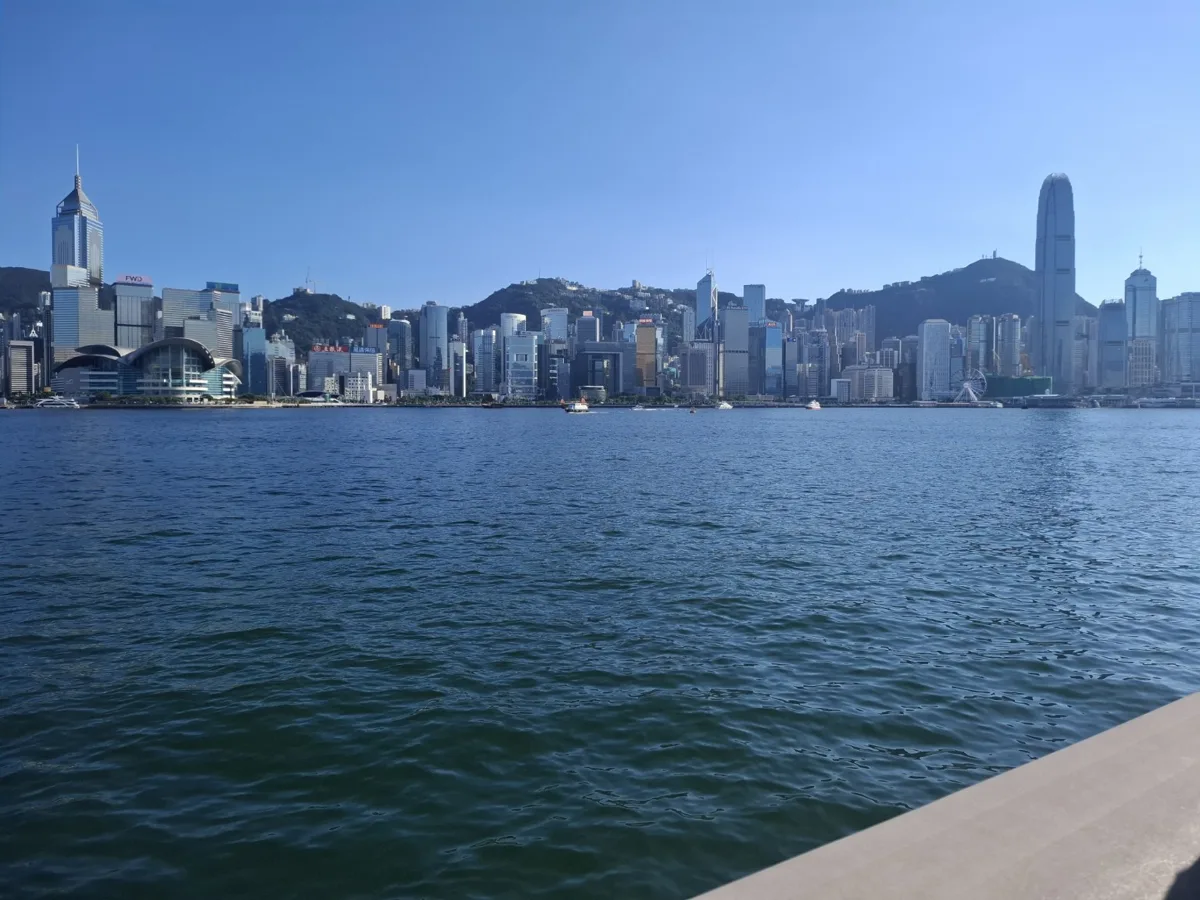
The skyline, the water and the light follow the photo; the promenade behind you, the sky and everything outside the frame were created by the AI. Buildings and details are redrawn, not copied pixel for pixel.
How it works
- 01
Upload a photo
Any JPG, PNG or WebP: a room, a street, a landscape or a piece of concept art. It's reduced in your browser before upload.
- 02
Add details if you like
Optional: ask for a time of day, the weather or anything that should change. Pick 1K, 2K or 4K.
- 03
Look around and export
After a minute or two, explore it in 360°, download the equirectangular JPG, make a video or export a pack for your game engine.
Photos that work well
- Rooms and interiors shot from a corner, so several walls are in view
- Streets, squares and courtyards at eye level
- Landscapes and seascapes with a clear horizon
- Concept art, renders and paintings of a place
Photos that work less well
- Close-ups of one object or a face: there's too little scene to build around
- People in the foreground: they're reinvented, not kept
- Very dark, blurry or heavily filtered shots
- Signs and text: lettering may not come out exactly as in the photo
What you can make with it
Game skyboxes from concept art
Turn a concept painting into a full environment, then export cube faces and an HDR from My panoramas for Unity, Unreal or Godot.
VR scenes and 360° videos
Look around in the browser or in a headset, or turn the panorama into a 360° video for YouTube and social media.
Mood for rooms and venues
See how a room, shop or venue could feel all around from a single phone photo. Good for ideas and concepts, not for documenting a real property.
Interactive 360° posts
Download with the 360° tag and post it on Facebook as a photo people can drag around, or share a link and embed it on your site.
Frequently asked questions
Does it keep my exact photo?
No. The AI uses your photo as a reference and creates a new panorama with the same place, style and light, so details can differ from the original. It's ideal for mood, concepts and environments rather than for documenting a real property.
What photos work best?
Wide, well-lit shots of a space or landscape. Close-ups of a single object give the AI little to build the surroundings from.
What happens to my photo?
It's sent to our AI provider to create the panorama and deleted from our storage as soon as the generation has finished.
How much does it cost?
The same as generating from text: credits depend on the resolution. If a generation fails, the credits are returned automatically.